Density Scanner
Measure foam sample density, document your results,
and generate detailed field reports — all from
your iPhone or iPad.
Built by MinderApps™
📐 Measure Your Sample
Capture the dimensions of a cut foam sample
using your device’s camera. Compatible
devices can use LiDAR, while other devices
use a standard credit card as a dimensional
reference.
⚖️ Calculate Density
Scan all six faces of the sample, enter its
weight from a scale, and let Density Scanner
calculate the sample’s estimated density
in pounds per cubic foot.
📋 Document & Share
Generate a formatted report containing
measurement data, sample images, and
optional location information. Share the
results directly from your device.
From Sample to Report
Density Scanner simplifies the process of measuring
and documenting spray polyurethane foam samples,
bringing the essential steps together in one
mobile application.
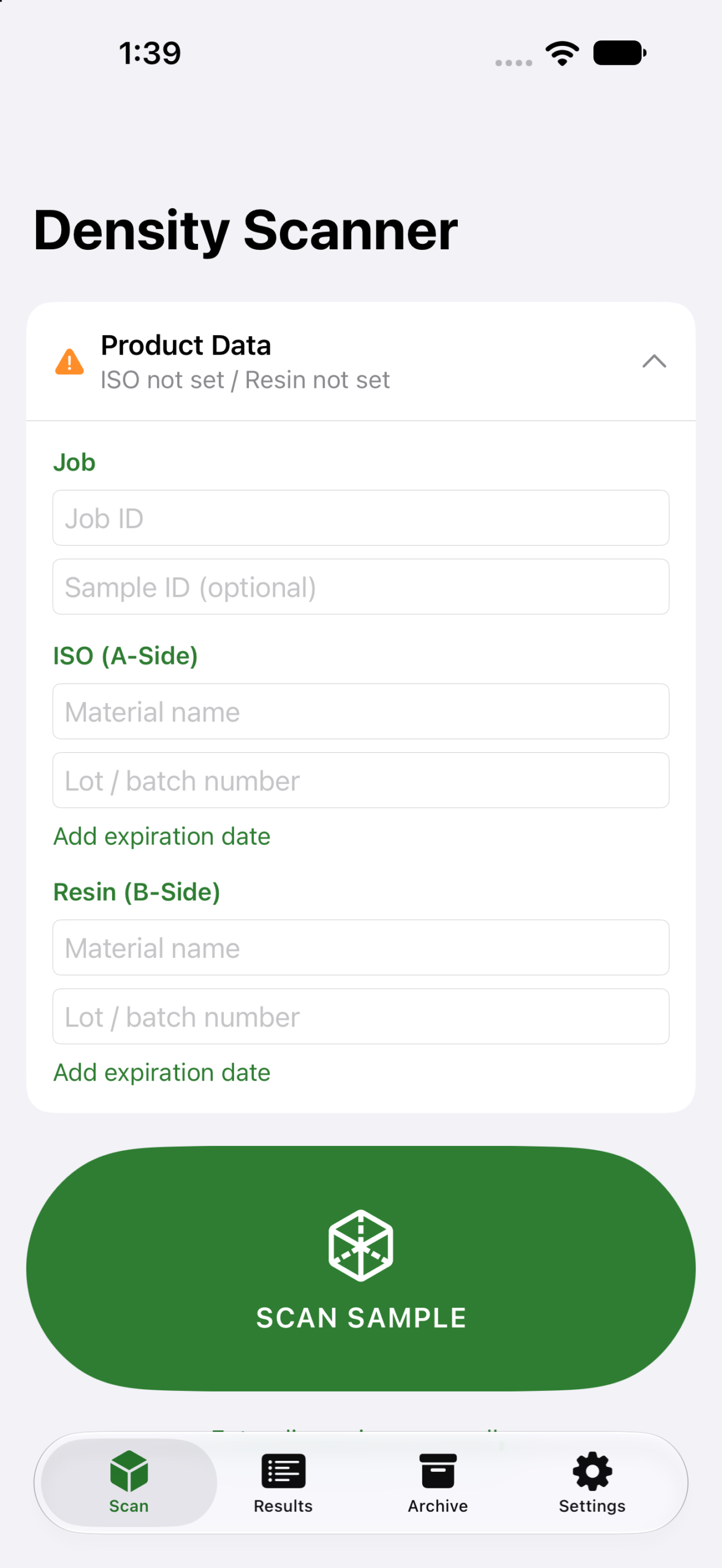
Prepare
Cut your foam sample and assign the
appropriate job and sample identifiers.
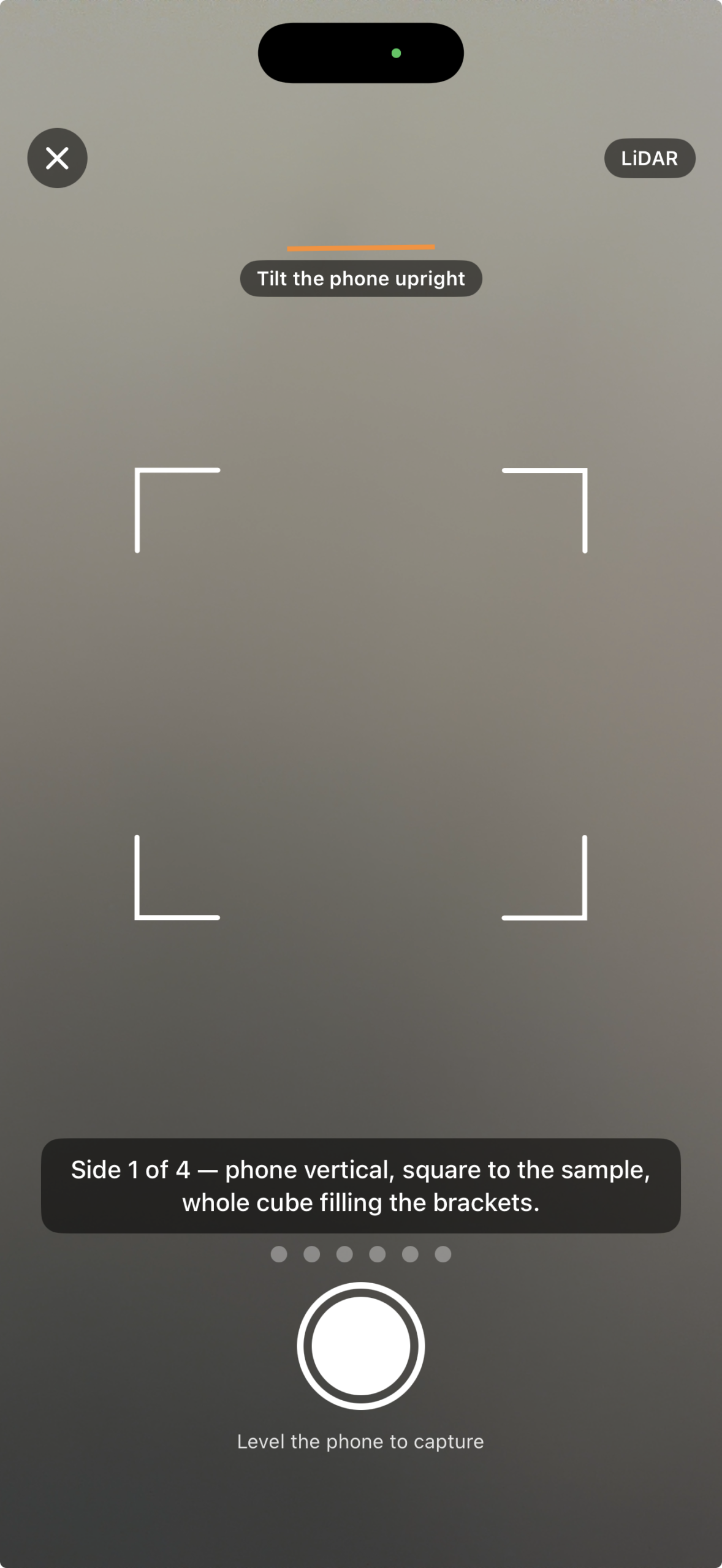
Scan
Capture all six faces of the sample.
The application determines its dimensions
using the selected measurement method.
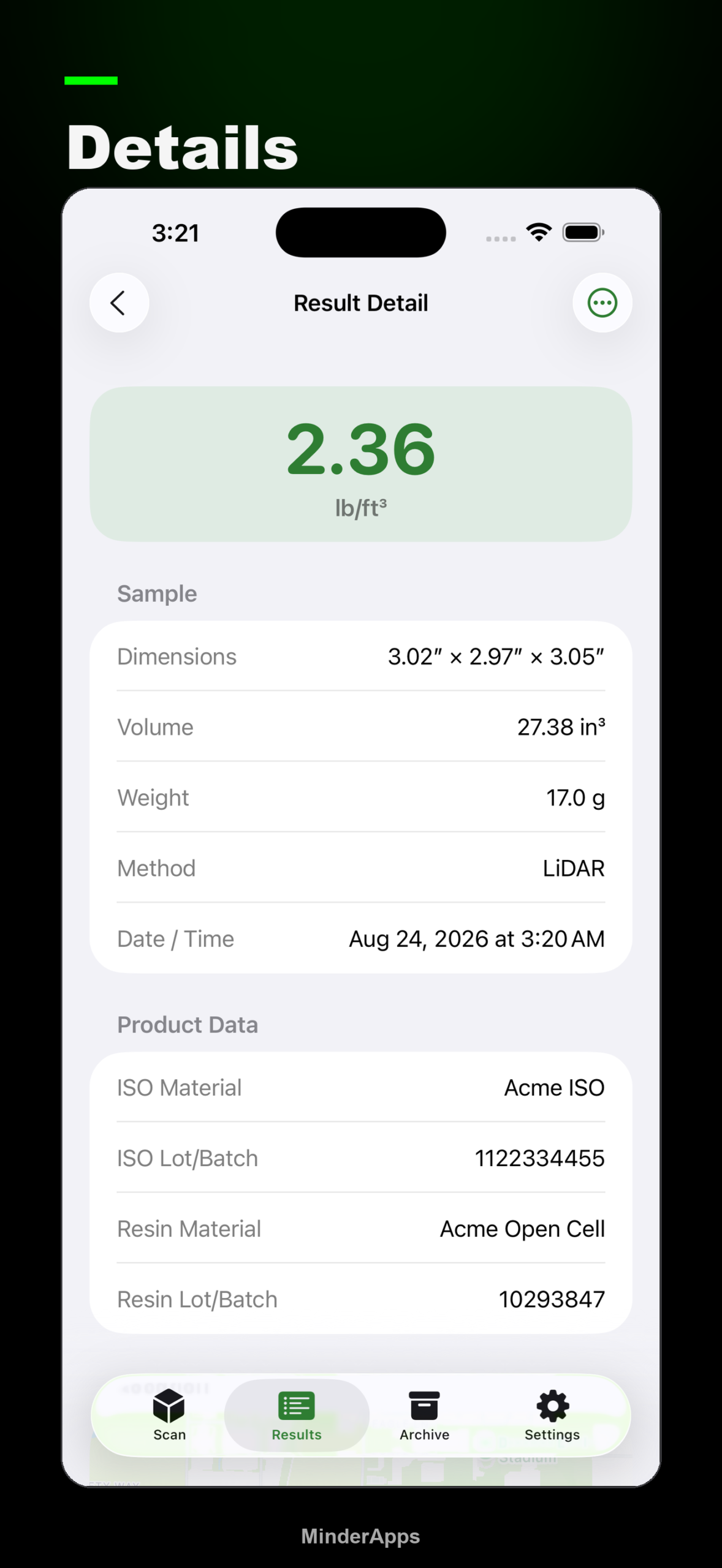
Weigh
Place the sample on a scale and enter
its weight. Density Scanner calculates
the estimated density.
Share
Review the results, save the measurement,
and export a formatted report with
supporting images and data.
Two Ways to Measure
Whether your device has a LiDAR sensor or not,
Density Scanner provides a camera-based
measurement workflow.
LiDAR Measurement
On supported iPhone Pro and iPad Pro
models equipped with LiDAR, Density
Scanner uses the device’s depth-sensing
capability to help determine sample
dimensions without a separate reference
object.
Reference-Based Measurement
On devices without LiDAR, place a
standard credit-card-sized reference
next to the sample. The application
uses the known reference dimensions
to establish measurement scale.
More Than Just a Number
A density reading is useful. A documented
measurement with supporting information
is considerably more useful.
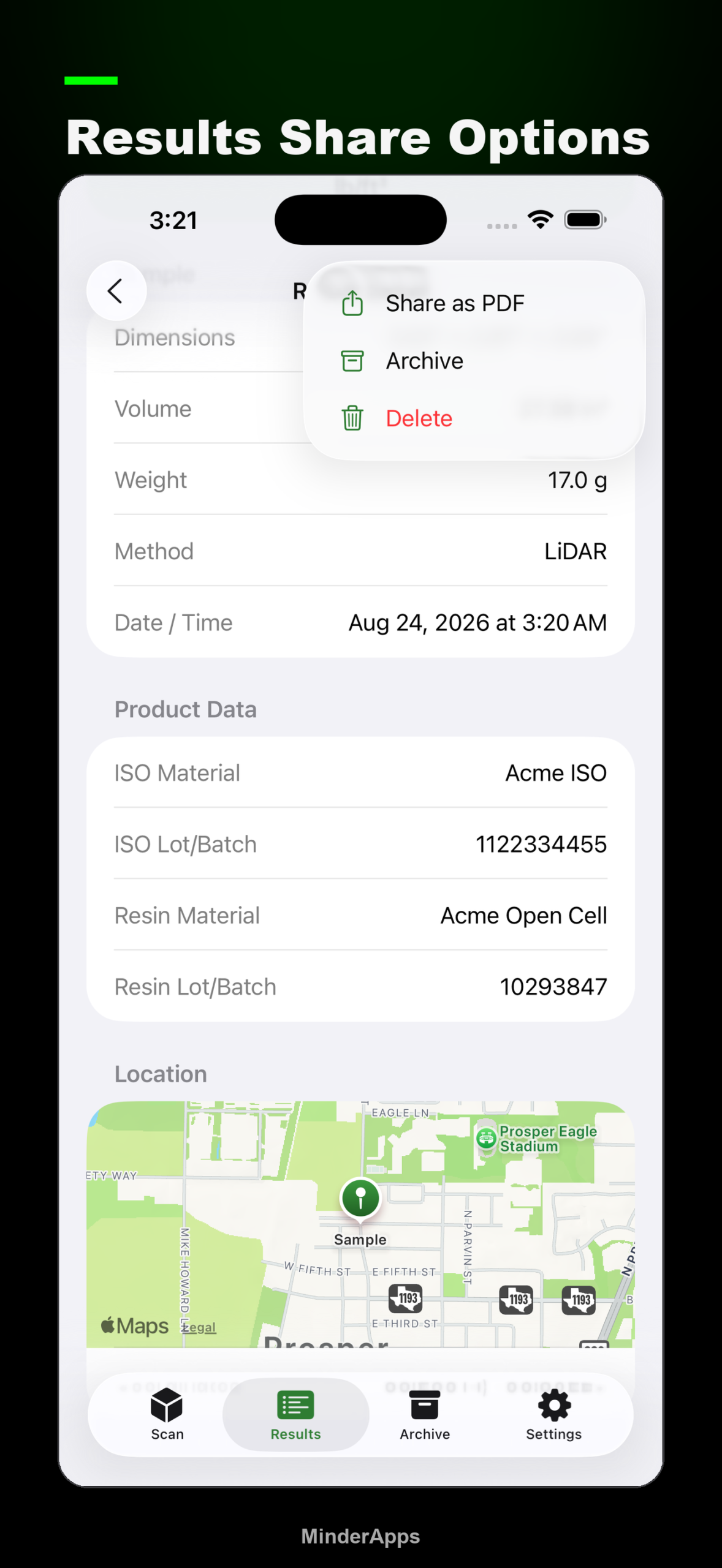
Built-In Documentation & Export
- Job and sample identification
- Recorded sample dimensions and weight
- Calculated density in pounds per cubic foot
- Thumbnail images of all six sample faces
- Optional geographic location information
- Saved measurement history
- Shareable PDF reports
- CSV data export
Density Scanner in Action
A straightforward workflow from sample
measurement to documented results.
Measure. Document. Share.
From the jobsite to the finished report,
Density Scanner puts foam sample measurement
and documentation in the palm of your hand.
Available for compatible iPhone and iPad devices.
Density Scanner provides camera-based measurements
and user-entered weight calculations for general
field documentation and quality-assurance reference.
Results are estimates and are not a substitute for
calibrated laboratory equipment or testing required
by applicable standards.